
What is the phaser effect
Alongside chorus and flanger effects, phasers complete the trilogy of popular “modulation” effects. Modulation effects change the texture sound over time, and phasers are often used to give sounds a smooth textural movement.
Unlike chorus and flanger effects, phasers don’t use delay lines to create their characteristic sounds, rather using a special type of filter, and give a slightly less dramatic result compared to flangers.
Phasers can be used to add stereo width to sounds, thin them out in the mix, and give them an intriguing textural movement. In this guide we’ll show you how to use phaser effects both creatively and in a mixing context to help you make your best tracks yet.
Jump to these sections:
- What is the phaser effect?
- What does a phaser actually do?
- What does the phaser effect sound like?
- How to use phasers as a creative and mixing tool:
In this guide to using phaser effects we’ll use Native Instruments’ Phasis, part of the Mod Pack, and this small free sample pack of sounds to use with it.
Explore the Mod Pack
What is the phaser effect?
A phaser works by splitting an audio signal and passing one copy through a series of all-pass filters, which alter the phase of frequencies.
All-pass filters aren’t usually audible, but when this phase-shifted signal is mixed back with the original, some frequencies reinforce each other while others cancel out, creating a series of peaks and notches in the frequency spectrum.
Phaser effects modulate the frequency of the all-pass filters over time, and this results in a sweeping effect. Here’s an example of a dry vocal, followed by the same vocal with a phaser effect applied.
Native Instruments · 01 Vocal with phaser
What does a phaser actually do?
As mentioned, phaser effects are reliant on all-pass filters. All-pass filter is a type of filter that affects the phase of a signal without changing its amplitude. Unlike low-pass, high-pass, or band-pass filters, which alter the strength of certain frequencies, an all-pass filter allows all frequencies to pass through at equal volume but shifts their phase by different amounts.
A phaser effect is built using multiple all-pass filters in series. In isolation all-pass filters aren’t audible, but when the original dry signal is mixed in and the filter cutoff frequency of the filters are modulated by an LFO, the interaction between the original and phase-adjusted signals creates phasing’s sweeping, swirling effect.
Let’s look at Phasis’ interface to see the most common types of Phaser FX parameters.
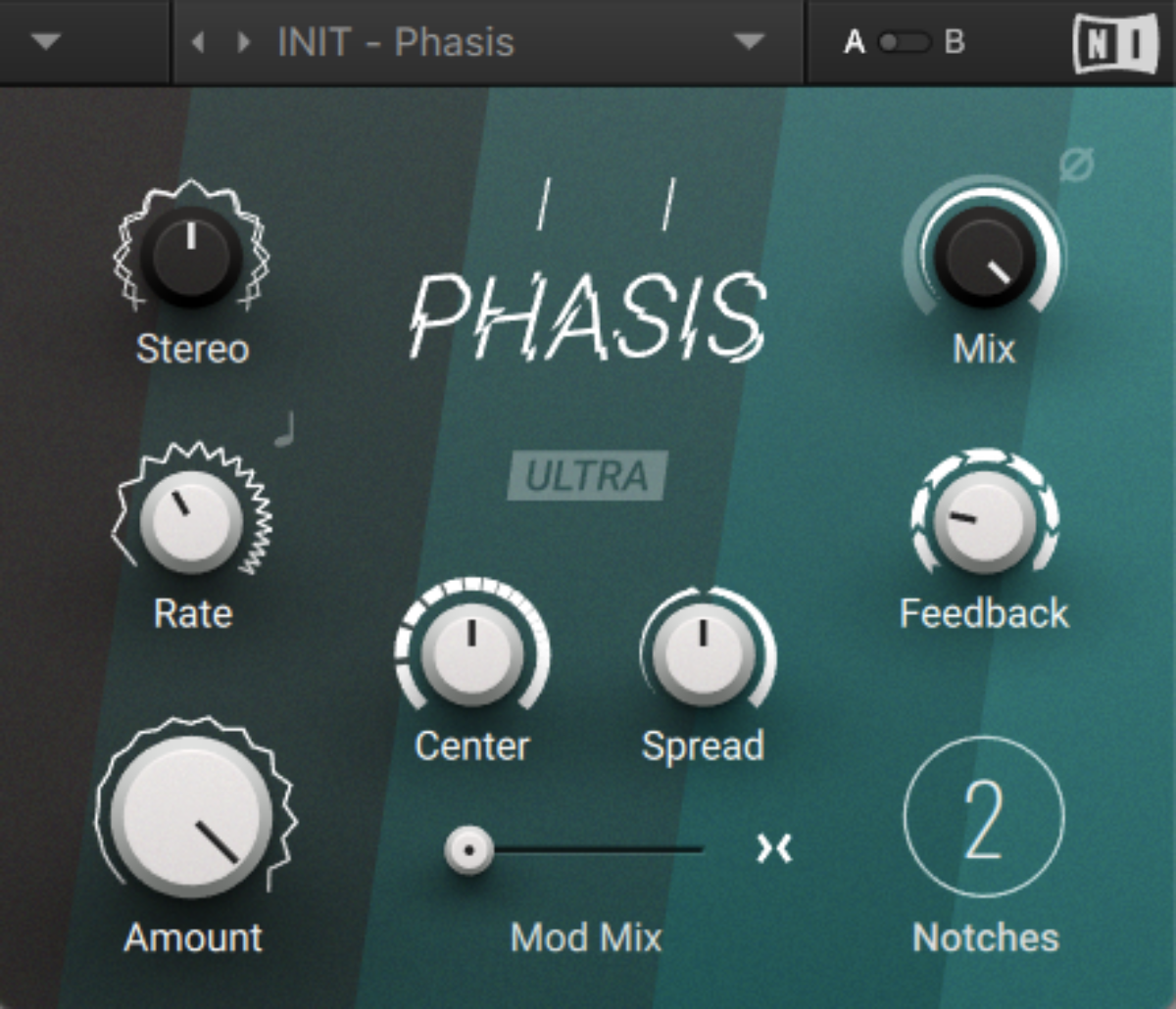
Phasis interface
Phaser effects typically have parameters to control the balance of dry and wet signals (Mix), the speed of the LFO modulation (Rate), depth of LFO modulation (Amount), the centre frequency of the filters (Centre), the number of peaks and notches in the frequency spectrum (Notches, sometimes known as “poles” in other FX), and the resonance of the all-pass filters (Feedback), which can be be used to increase the intensity of the effect.
What does the phaser effect sound like?
Phaser effects typically sound like smooth textural movement or a sweeping sheen that brings out different parts of a sound’s timbre over time.
You can hear the sound of phaser effects in many tracks across all kinds of genres. For example, you can hear the sound on the bass during the intro of The O’Jays’ “For the Love of Money.”
The intro of Led Zeppelin’s “Kashmir” features a phaser effect on the drums.
The intro of Tayla’s “Resolution” includes a big phased pad sound.
Though these examples of phasers are relatively obvious even to the untrained ear, phasers can also be used more subtly as mixing tools.
How to use phasers as a creative and mixing tool
1. Increase stereo width
Phaser effects can very quickly add stereo width to a sound, or even make a mono sound stereo.
Drag MonoBeat.wav and MonoPad.wav from the sample pack onto audio tracks in your DAW.

Adding a beat and pad
As you can hear, both of these sounds are mono, and sit in the dead centre of the mix.
Native Instruments · 02 Mono beat and bass
Let’s add Phasis to the pad track. With the default settings, you’ll be able to hear the sweeping phaser effect, but it’s purely mono and doesn’t affect the stereo width of the track.
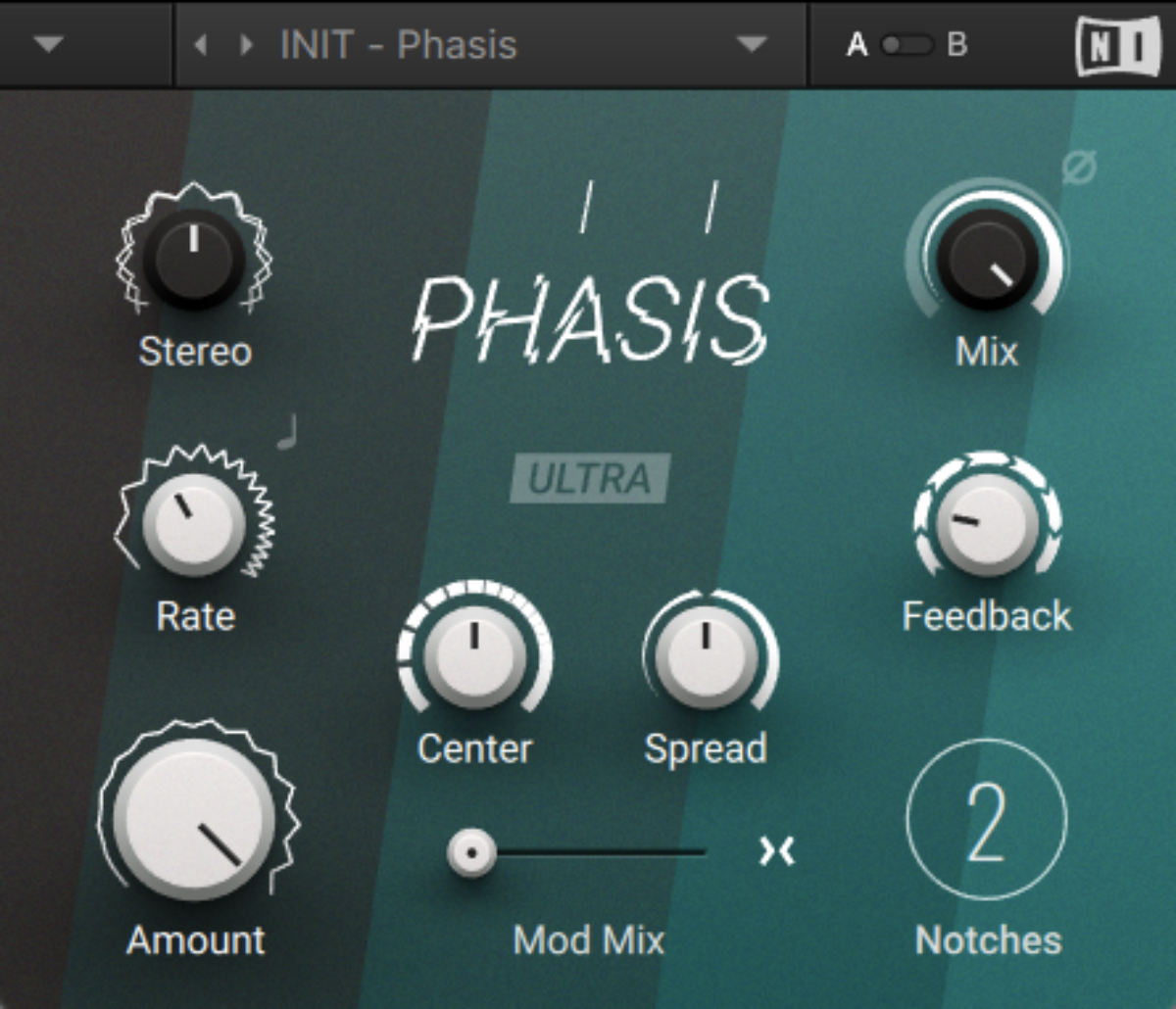
Phasis’ default settings
Native Instruments · 03 Mono phaser effect
Currently the Stereo knob is at 0%. Turning this up increases the stereo width of the wet signal by adding a phase offset to the modulation. Let’s turn it up to 100%.
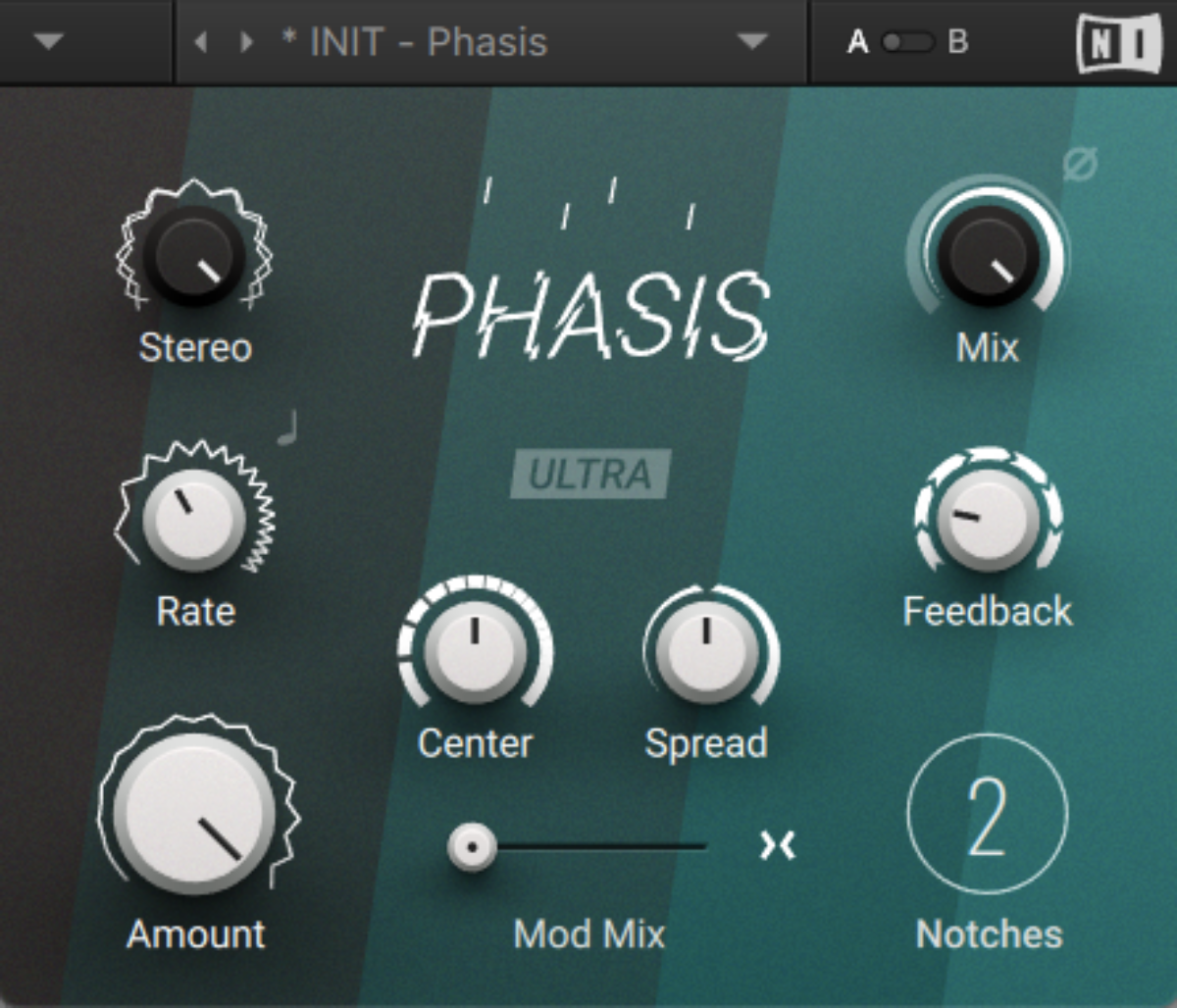
Turning up the Stereo knob
This gives us a result where the pad has a stereo movement, freeing up space in the centre of the mix for the beats.
Native Instruments · 04 Stereo phaser effect
This technique isn’t just useful creatively: moving the pad into the side signal prevents it from masking the beat in the centre so much, and gives us a bigger, cleaner sound.
2. Create textural movement
Let’s create a more dramatic effect. This time we’ll use a rich timbre to demonstrate how we can add another dimension of movement to a sound with a phaser.
Add DirtySynth.wav onto an audio track in your DAW.

Adding the synth audio
This has a rough distorted sound with a lot of character and grit, but it’s still relatively static-feeling.
Native Instruments · 05 The unprocessed synth
Let’s add Phasis, turning up the number of Notches to 12, and the Feedback to 70%.
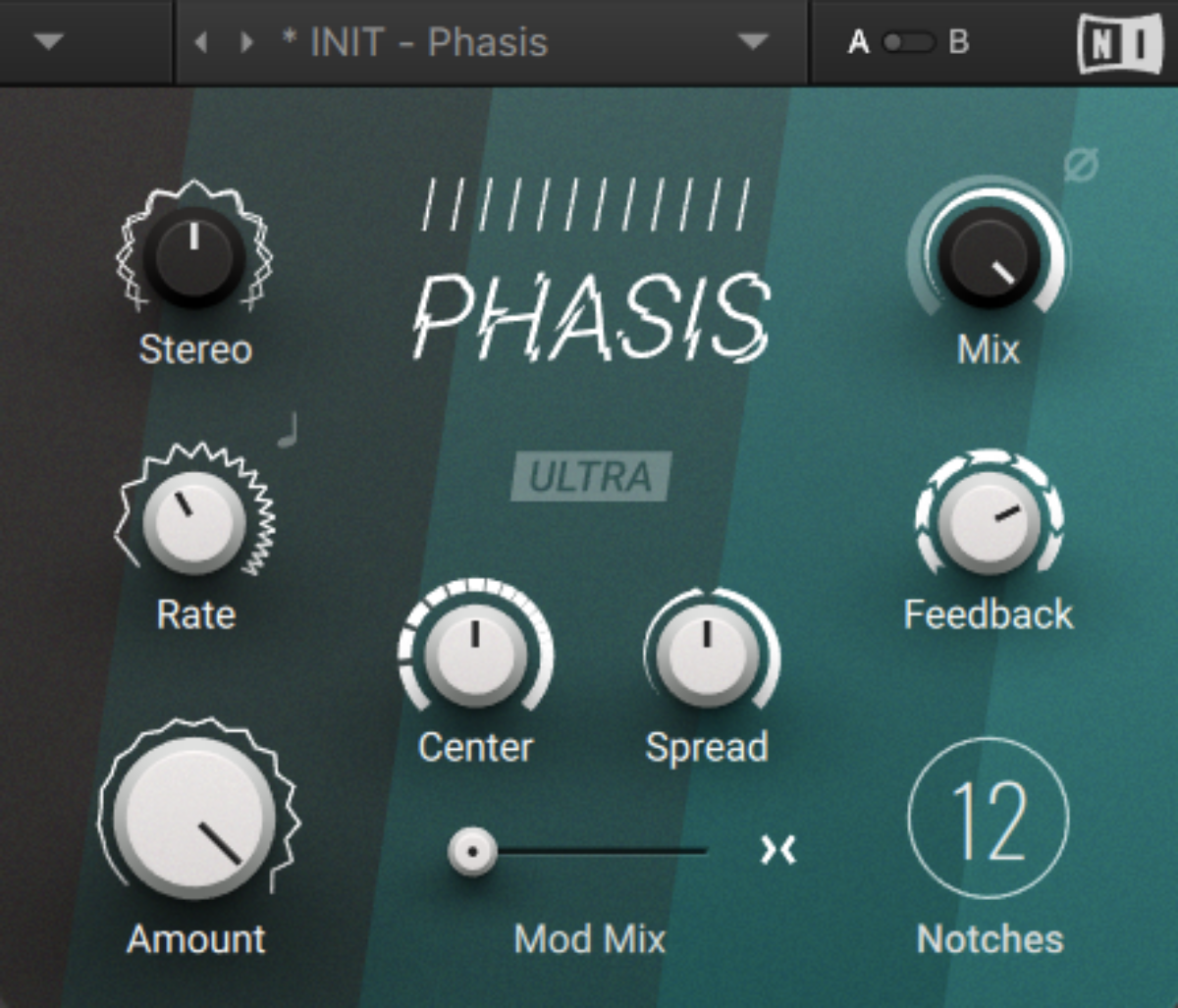
Increasing Notches and Feedback
This increases both the number of filters and their resonance level, giving us a sound with a lot of textural movement.
Native Instruments · 06 The processed synth
As we have left the Stereo knob at 0%, the synth sound stays mono. However, as we saw earlier, if we want to make it stereo we can just turn up the Stereo knob. Let’s set it to 100%.
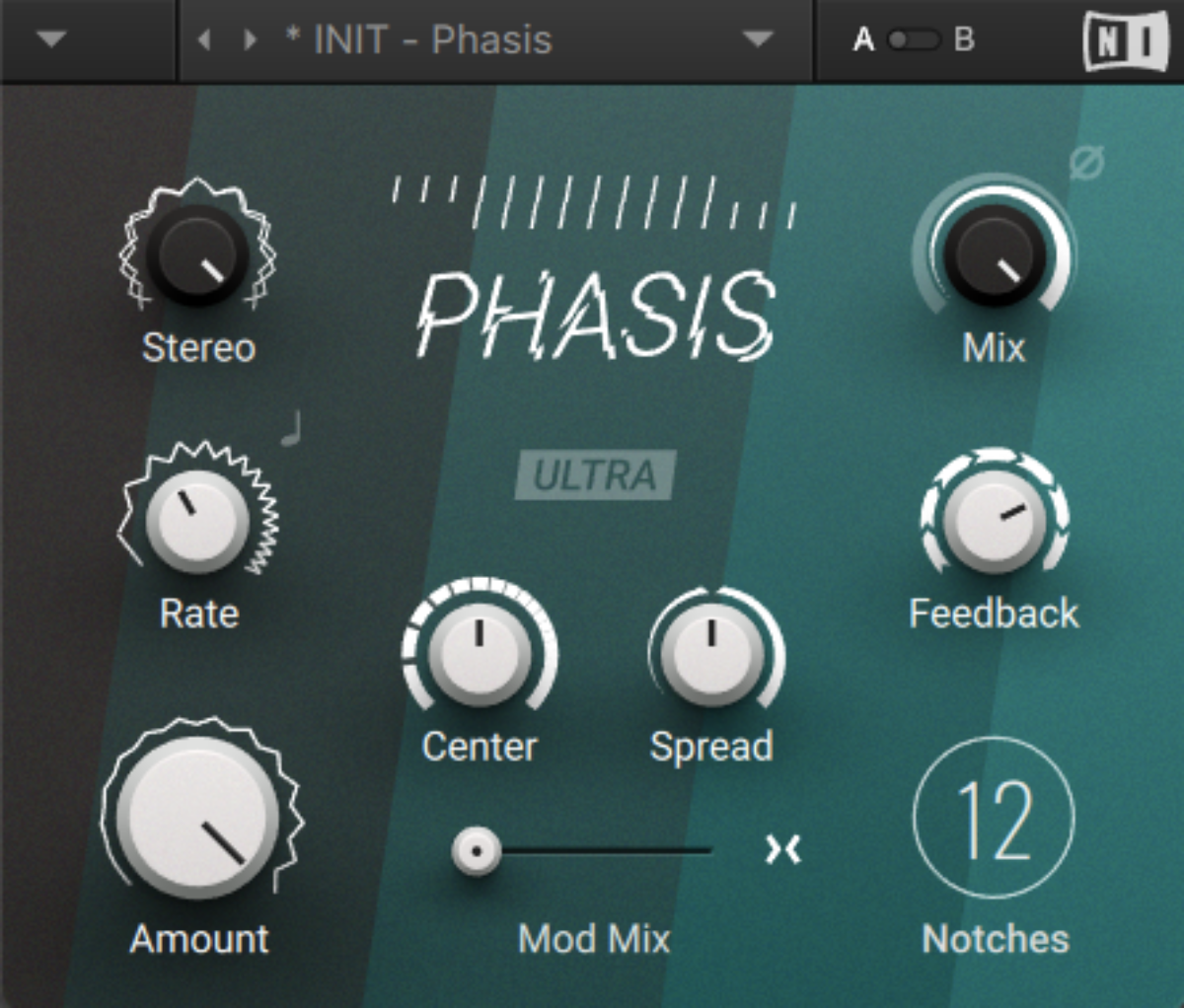
Turning up the stereo knob
Native Instruments · 07 The processed synth in stereo
3. Thin out sounds
Another useful application for phasers in mixing is to “thin out” sounds that you don’t want to cut a load of low-end off. You’ll notice this happened with our previous sound, with the processed version of the synth gaining stereo and textural movement, but sounding less weighty overall.
Drag PercSynth.wav, BigBeat.wav and BigBass.wav onto audio tracks.
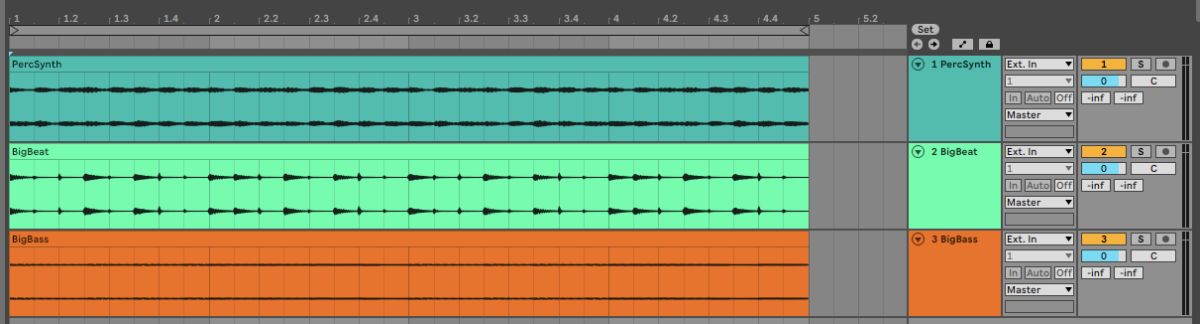
Adding the synth, beat and bass samples
Here’s how they sound together. Currently the percussive synth sound has a fair bit of low-end energy that’s clashing with both the beats and the bass.
Native Instruments · 08 Synth, beat and bass
Let’s help our mix breathe a bit by adding some phaser effect to the percussion synth. Add Phasis to the percussive synth track, turning up the Stereo to 83%, the Centre to 4 kHz, and the Feedback to 76%.

Thinning out with Phasis
This combination of high Feedback and Centre parameters helps take out the weight of the percussive synth sound. Here’s how it sounds solo:
Native Instruments · 09 Phased synth
Here’s how it sounds in context:
Native Instruments · 10 Phased synth in context
The phasing on the synth helps the beat and bass pop through the mix, while retaining the track’s overall feel and atmosphere.
Start using phaser effects today
In this tutorial we’ve shown you how to add stereo width to sounds, add textural movement, and thin mix elements out using Native Instruments Phasis.
If you’d like to learn more, check out our other guides on chorus effects, flanger effects, and essential audio effects for music production.
Explore the Mod Pack
The post What is the phaser effect? How to use phasers in music production first appeared on Native Instruments Blog.